Mindblown: a blog about philosophy.
-
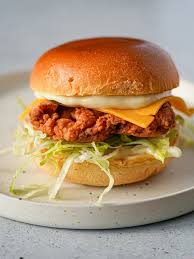
Chicken Burger Recipe
Ingredients Seasoning: Burgers: Garlic Mayo: On the side Cook Mode Prevent screen from sleeping Instructions Burgers:
-
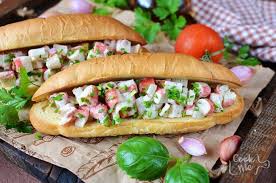
Seafood Sandwich
Ingredients Directions
-
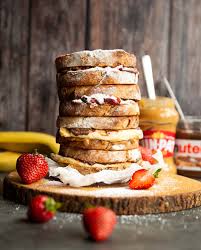
Nutella Peanut Butter Sandwiches
Ingredients Instructions
-
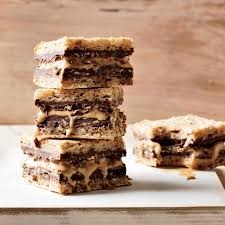
Nutella Sandwich
Ingredients Instructions
-
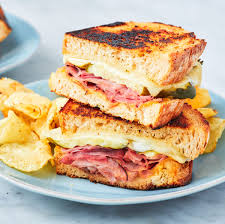
Ham and Cheese Sandwich Recipe
Ingredients Directions Special Equipment 12-inch nonstick skillet, large Dutch oven or other heavy skillet or cooking weight
-
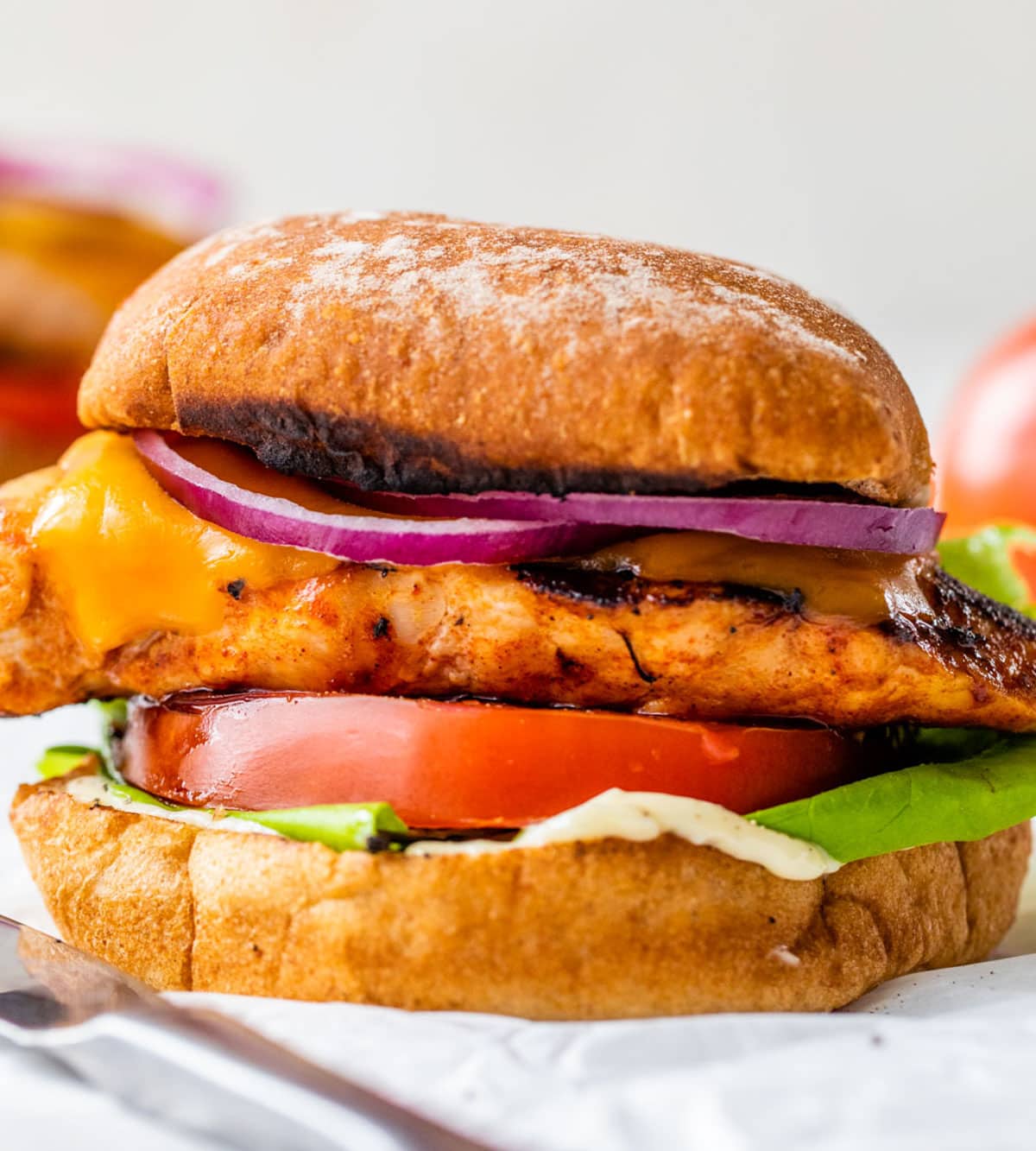
The Best Grilled Chicken Sandwich
Ingredients Directions
-
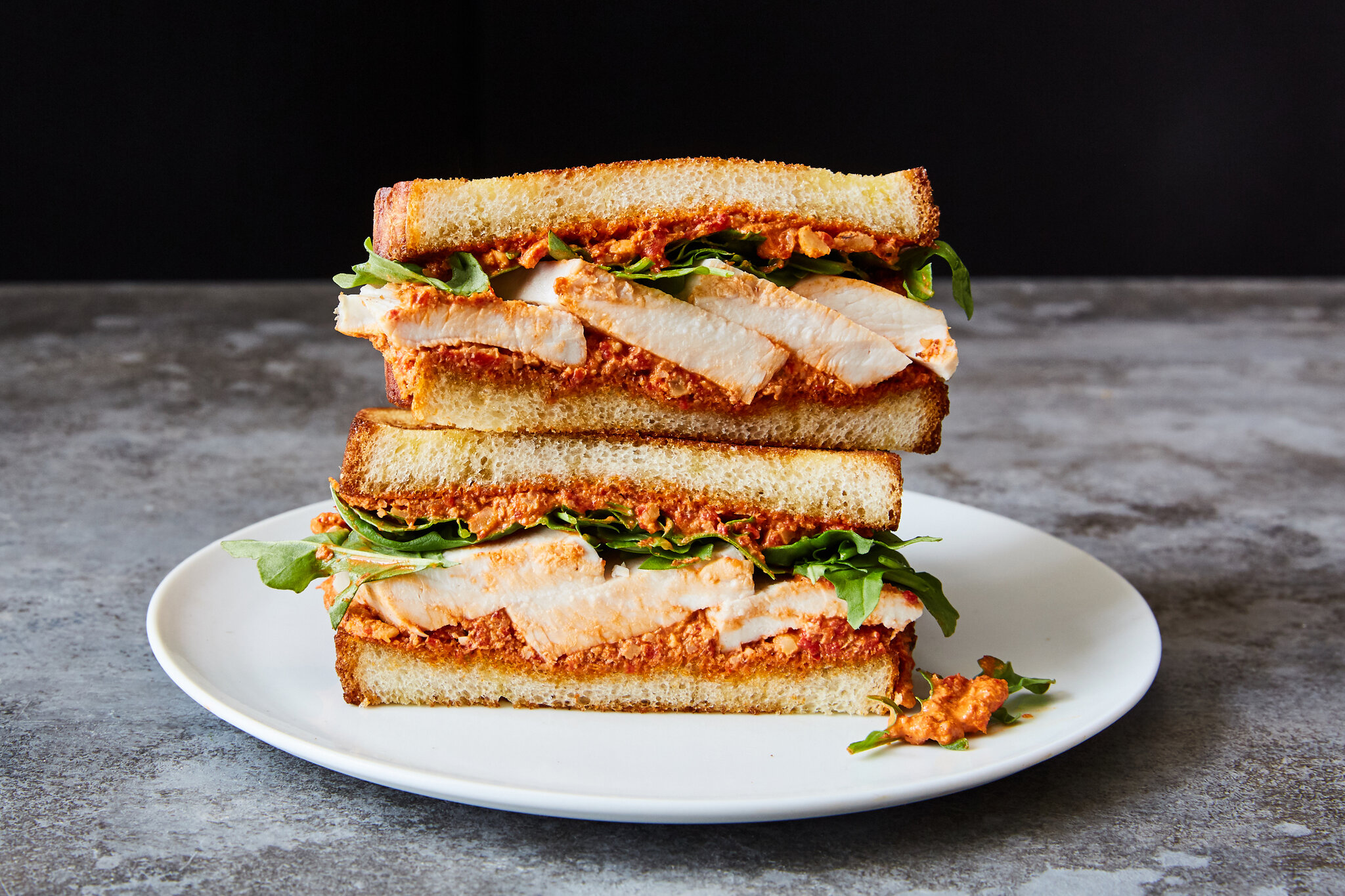
Chicken sandwiches
Ingredients Filling: Sauce: Sandwiches: Instructions
-
second tilte
second discription
-
Under this first level h
Under this first level heading you will find text about the topic described in the heading. It will go on for several lines. If there is a Section numberedUnder this first level heading you will find text about the topic described in the heading. It will go on for several lines. If there is a…
-
Figure 3.2.1 image description:
Using the Styles function in Word, rather than simply making text larger or bold manually, offers you may advantages. For example, the algorithm created using Styles allows you to Enabling screen reader software helps make your documents more accessible. Creating an automatic table of contents will save you tons of time! In addition, the TOC will automatically…
Got any book recommendations?